- 那些璀璨的时光
-
每一个青春都有一段璀璨的时光,那些惊艳的人和事无论多远总会在记忆中出现。 年少时的相逢,青年时的爱恋,岁月中的沉淀。 种种过去成就了今天的我们 无论是你等我还是我奔向你 总有一个要先出声才能留住霎那的心动 总有一个要先行动才拥有美好的今天 因为我们的不抛弃不放弃 我们才会一起奔向未来 记念那些璀璨的时光。 容雪记得那年夏天,六个性格不同的女孩住在同一个寝室,两个互看不顺眼的人成了同桌。 友情终是
-
三点可连载44万字言情
- 不死魔法使的弟子(纯百合,近代)
-
昏昏欲睡的意思,狭窄的视野,难闻的空气,血染的墙壁,一切都让人那样厌恶 但她能做的,也只有静静的等待死亡而已。 “呜——嗯,大家都死了啊,全灭了吗?” 忽然一个格格不入的娇小背影进入视野,轻松的语调好像是在郊游一样,让人觉得不可思议。 那人转过身来,惊愕的发现,竟是个与她同龄,甚至还要小的女孩子 但莉兹的注意力比起这些,一时之间却更在乎别的,甚至即将死亡的恐惧都被淡忘。 “为什么是裸体?” (本
-
Angel连载0万字耽美
- 邻校宿敌对我俯首听命(穿越)
-
贺之漾在高中毕业之夜喜提穿越,成了京城国子监的学生。日天日地,盘踞京城,小少爷贺之漾的古代生活很惬意。可惜他耀武扬威的生活一夜之间画上句号——锦衣卫搬到了国子监隔壁。他们个个肩宽腿长,眼神凌厉,是人见人畏,从不干阳间事儿的“朝霸”。贺之漾为重振国子监,决定堵住隔壁最冷峻凶悍的少年乔岳,提出约架。谁知渐渐地,约架变约会,宿敌成情人。贺之漾给隔壁宿敌的情信被同窗看到,本以为跨校恋情终于大白于天下。谁
-
慵不语连载33万字玄幻
- 世子请叛逆
-
新作品出炉,欢迎大家前往番茄小说阅读我的作品,希望大家能够喜欢,你们的关注是我写作的动力,我会努力讲好每个故事!
-
第二只飞鸟连载34万字修仙
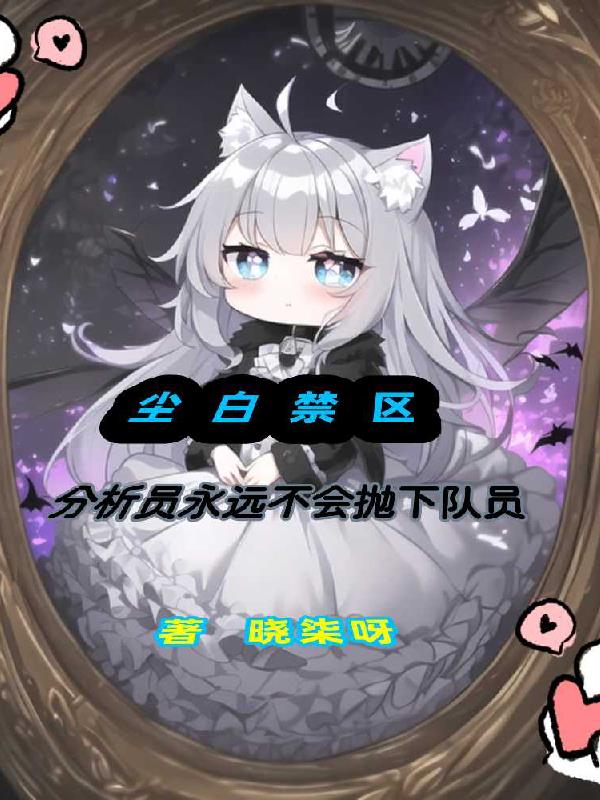
- 尘白禁区:分析员不会抛下任何人
-
(剧情向?少部分战斗?后期日常) (本书是尘白禁区的同人文,我希望我的作品可以让很多人知晓这个不错的游戏。) (前期剧情和游戏差不多,我做了部分的改动,后期我会自创些剧情。) 「混乱」「破碎」「失控」 「秩序的土壤在此刻崩塌」 「直到祂的意志触碰到了这片大地」 「于是一切从零开始」 「因数十年前名为“成年病”的青少年绝症蔓延,全世界的劳动力大幅度减少,但因祸得福是Al和机器人技术的高速发展,人类
-
晓柒呀连载44万字其他
![[小妈攻]燃烬](https://www.pic2pic.net/images/dWpzNDU5OHNkZmQyNWVkZjC5unnCwxSLXafliARb6JQ=)